Website with web apps
Haute Sound Couture
A complete site where customers order sounds or create their own, and pay to download them.
Visit hautesoundcouture.com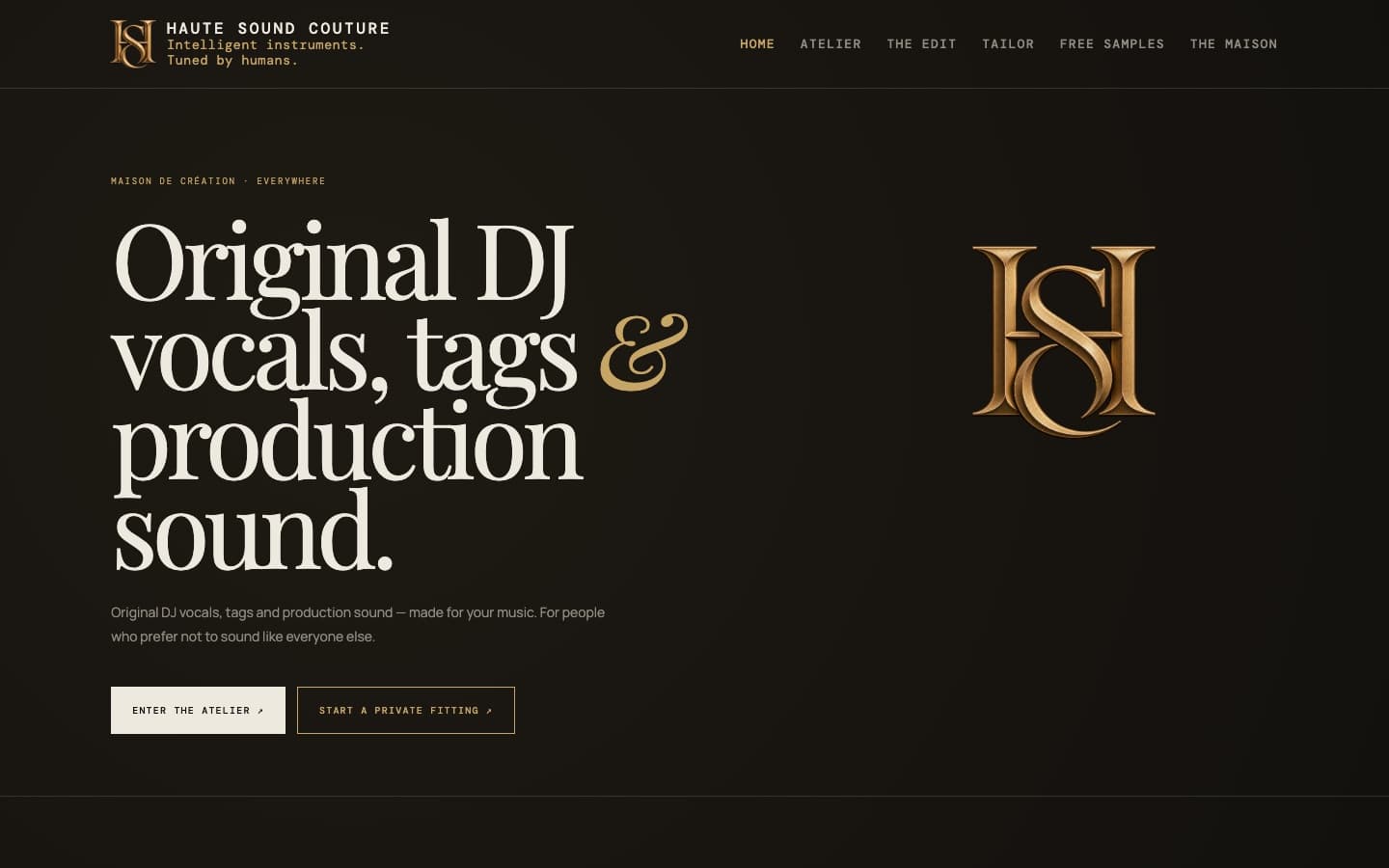
A small sample, one of each kind. Much of what I build is made for other businesses’ own use and isn’t shown here.
Website with web apps
A complete site where customers order sounds or create their own, and pay to download them.
Visit hautesoundcouture.comApp
An editor for spoken audio, such as podcasts. It cleans up the sound, shortens long pauses, and cuts a word when you click it in the transcript.
The clip shows a short test recording being cleaned up and cut.
Screen recording, 1 min 13 s, with sound.
Ongoing AI collaboration
Ongoing work with a small business, where the aim is to understand the whole operation and improve it area by area. The business is anonymous here, so names, products and systems are hidden in the pictures.
It all runs on a portal built for the staff. Each person has their own page, and there is a notice board for the team, personal notes that also work as messages between colleagues, the monthly meeting, a rota for who is in charge each week, follow-ups with a named owner between meetings, and an AI assistant that answers right in the portal.
The project is in Swedish; the screens are shown here in English.
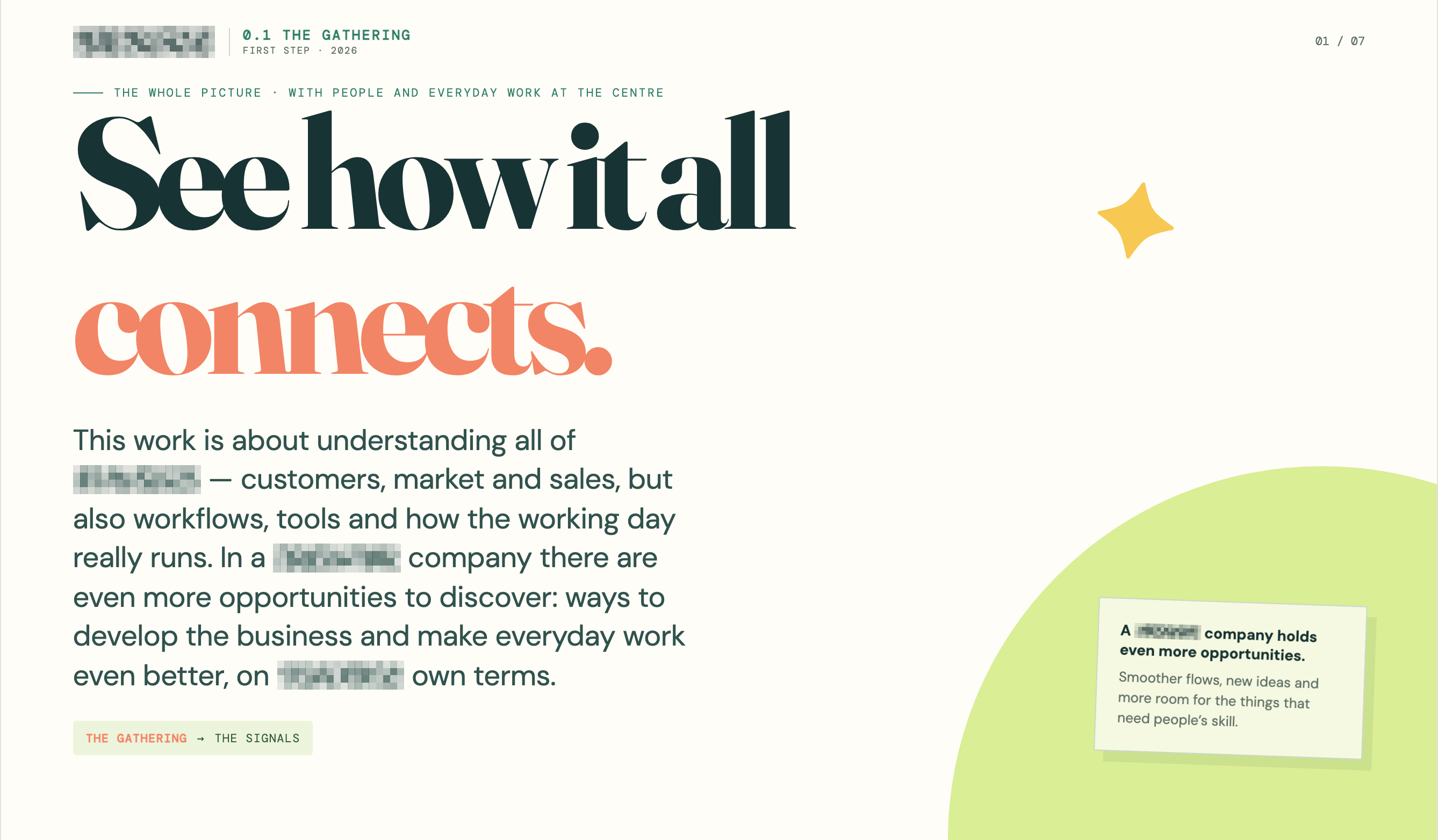
The work starts with the whole operation: customers, workflows, tools and how the working day really runs. The project site explains the idea to everyone involved.
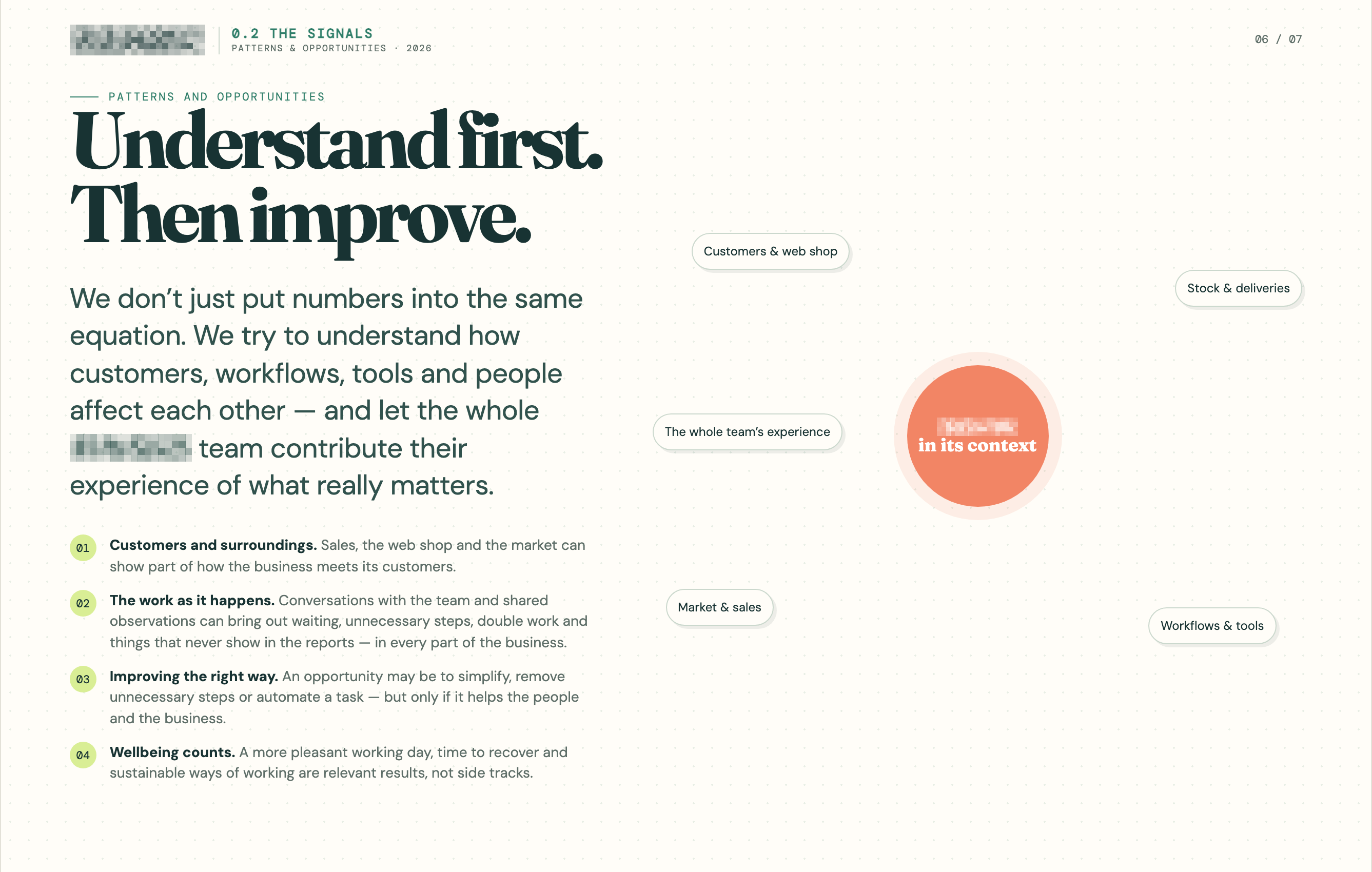
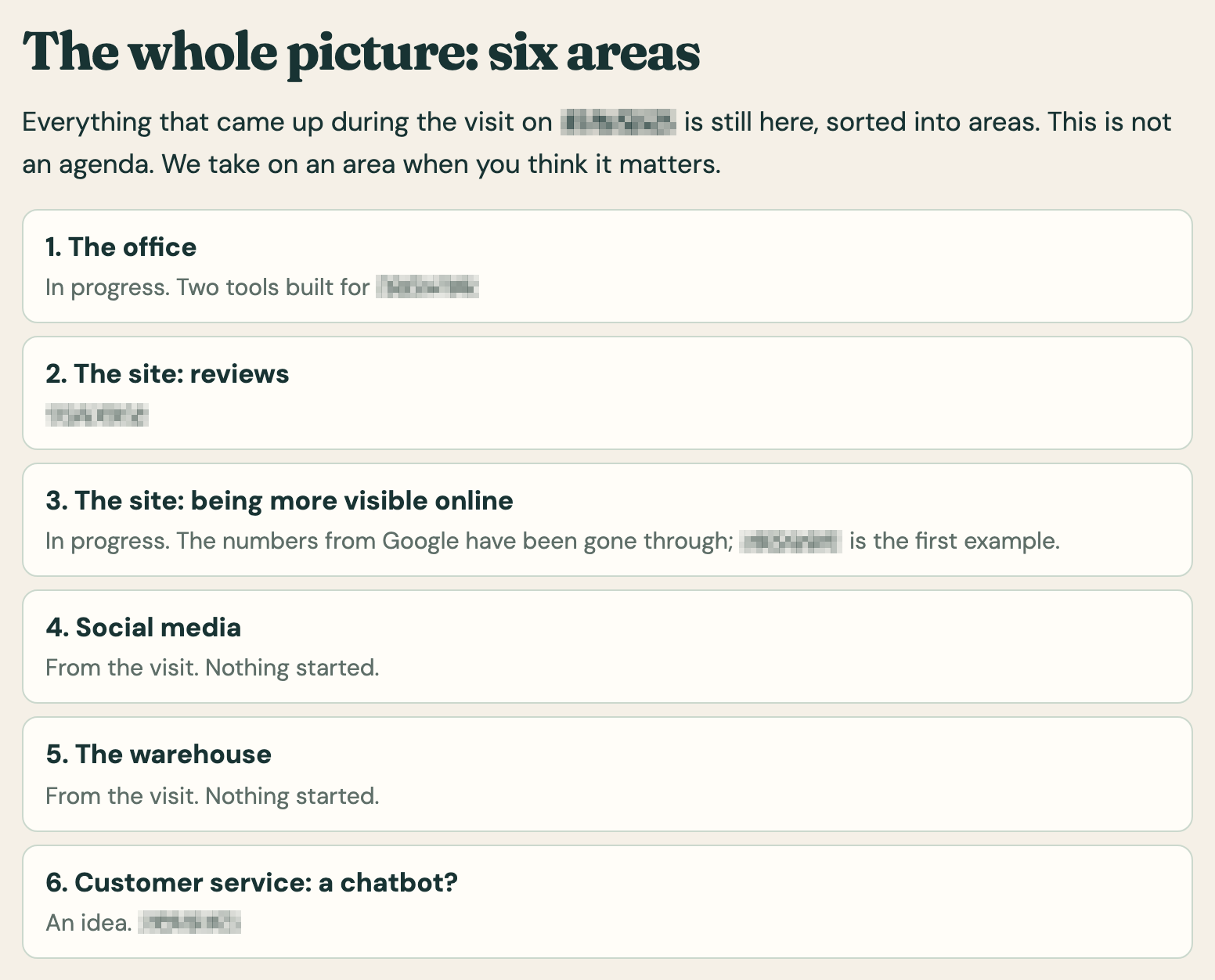
What came up at the first visit is sorted into six areas. The team chooses which matter most, and the work starts there.
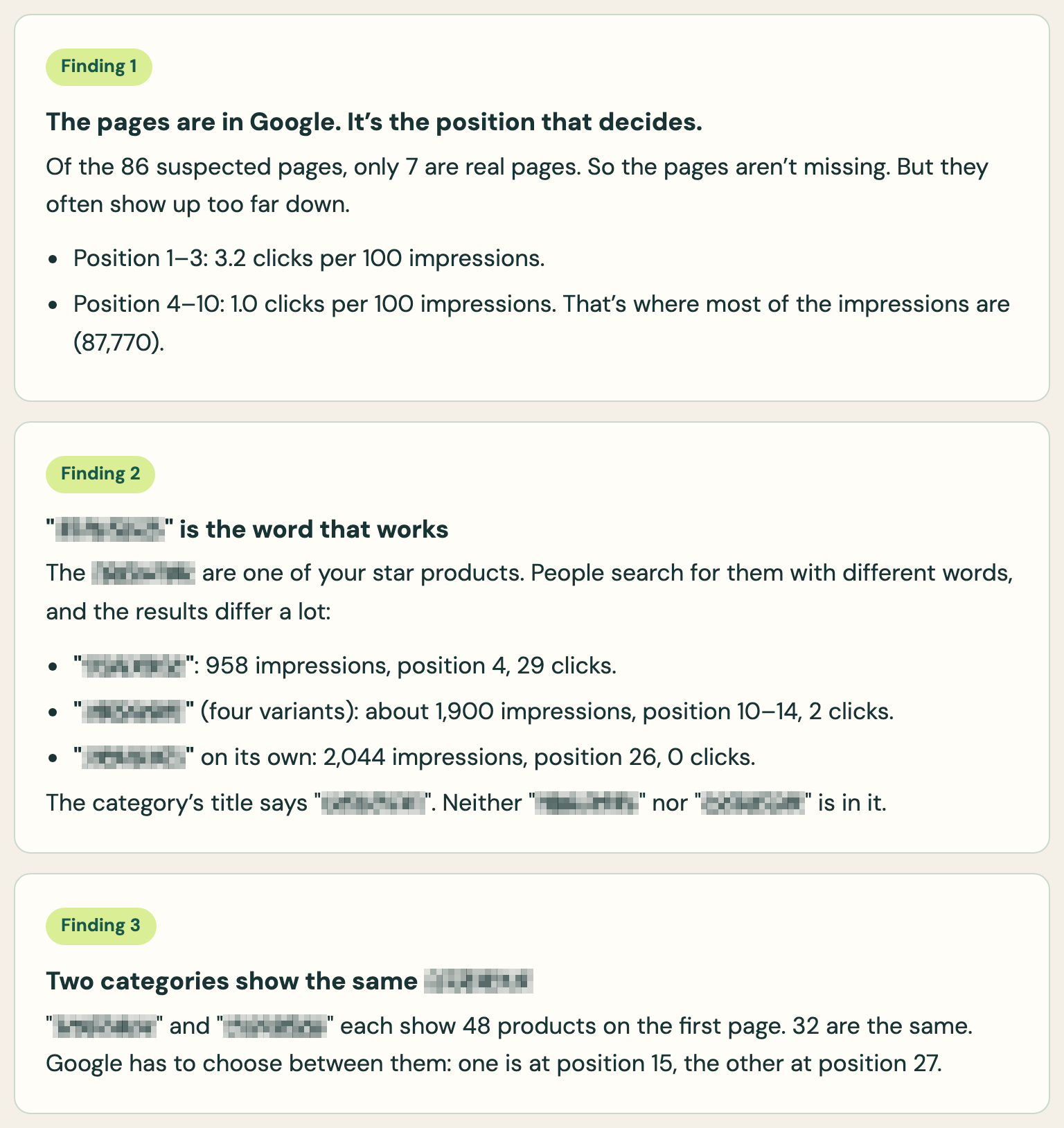
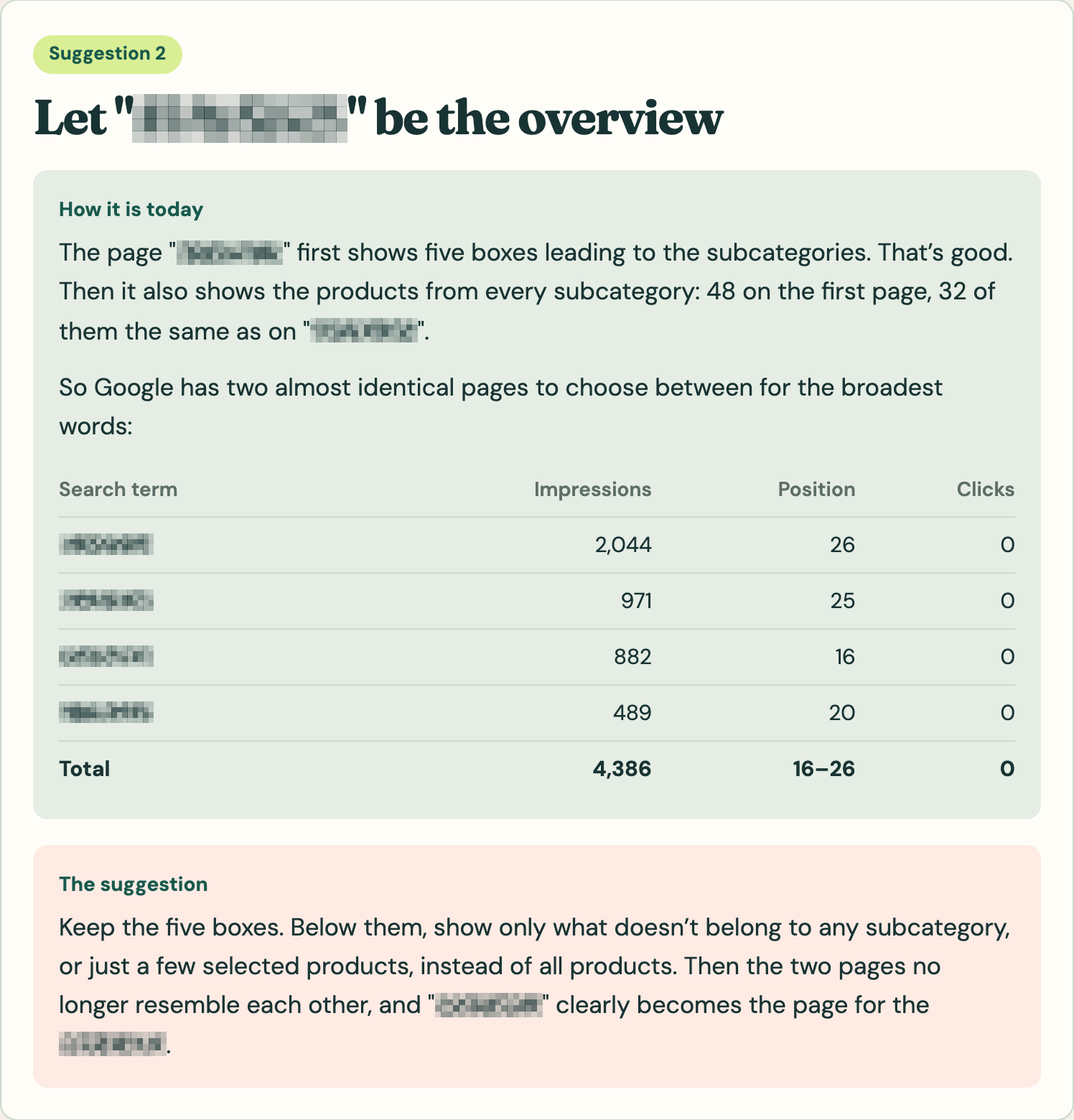
The business’s own numbers from Google are gone through. Each finding is shown with the numbers behind it, and then becomes a concrete suggestion: how it is today, and how it could change. The picture shows one of three suggestions.
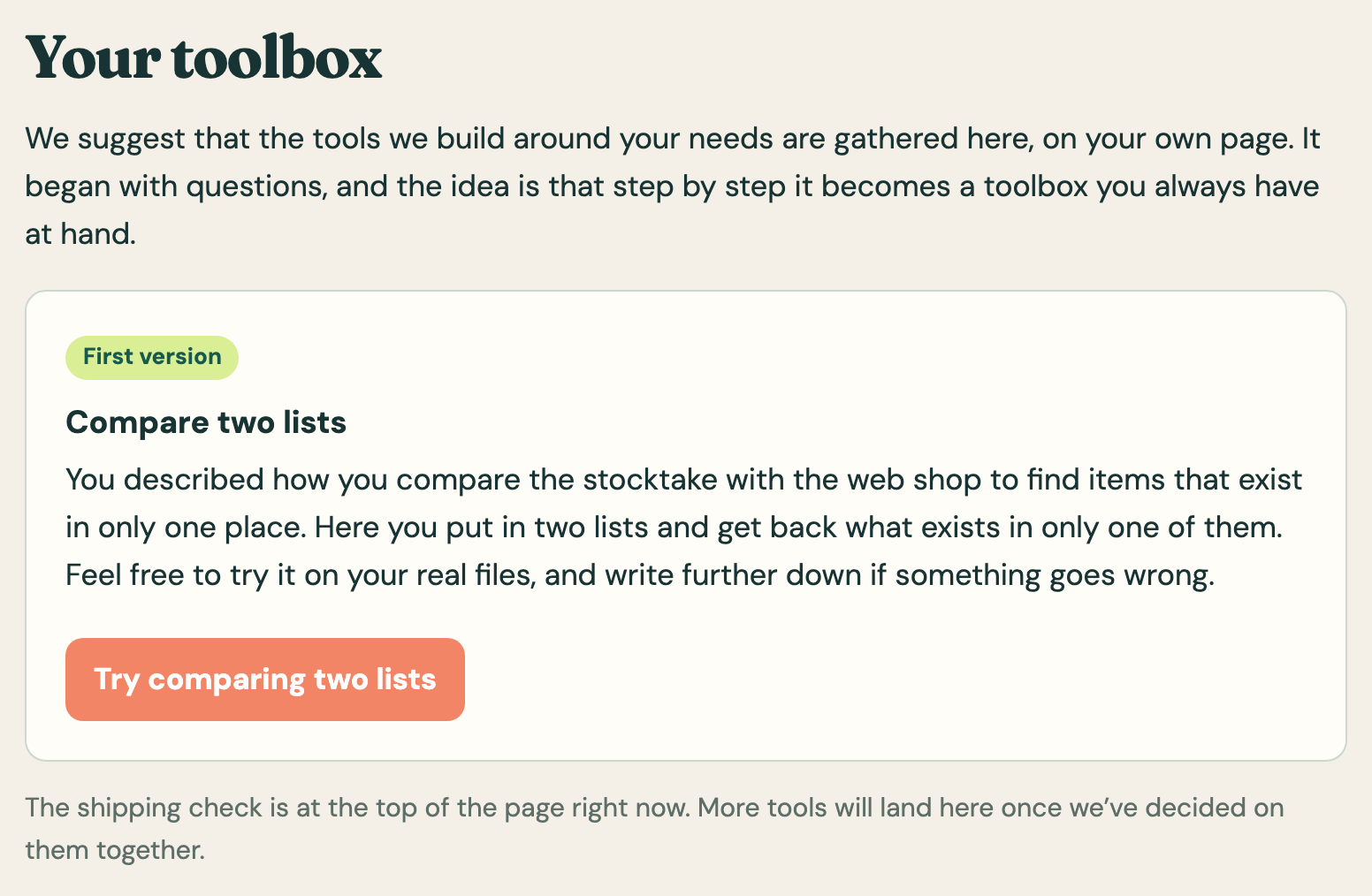
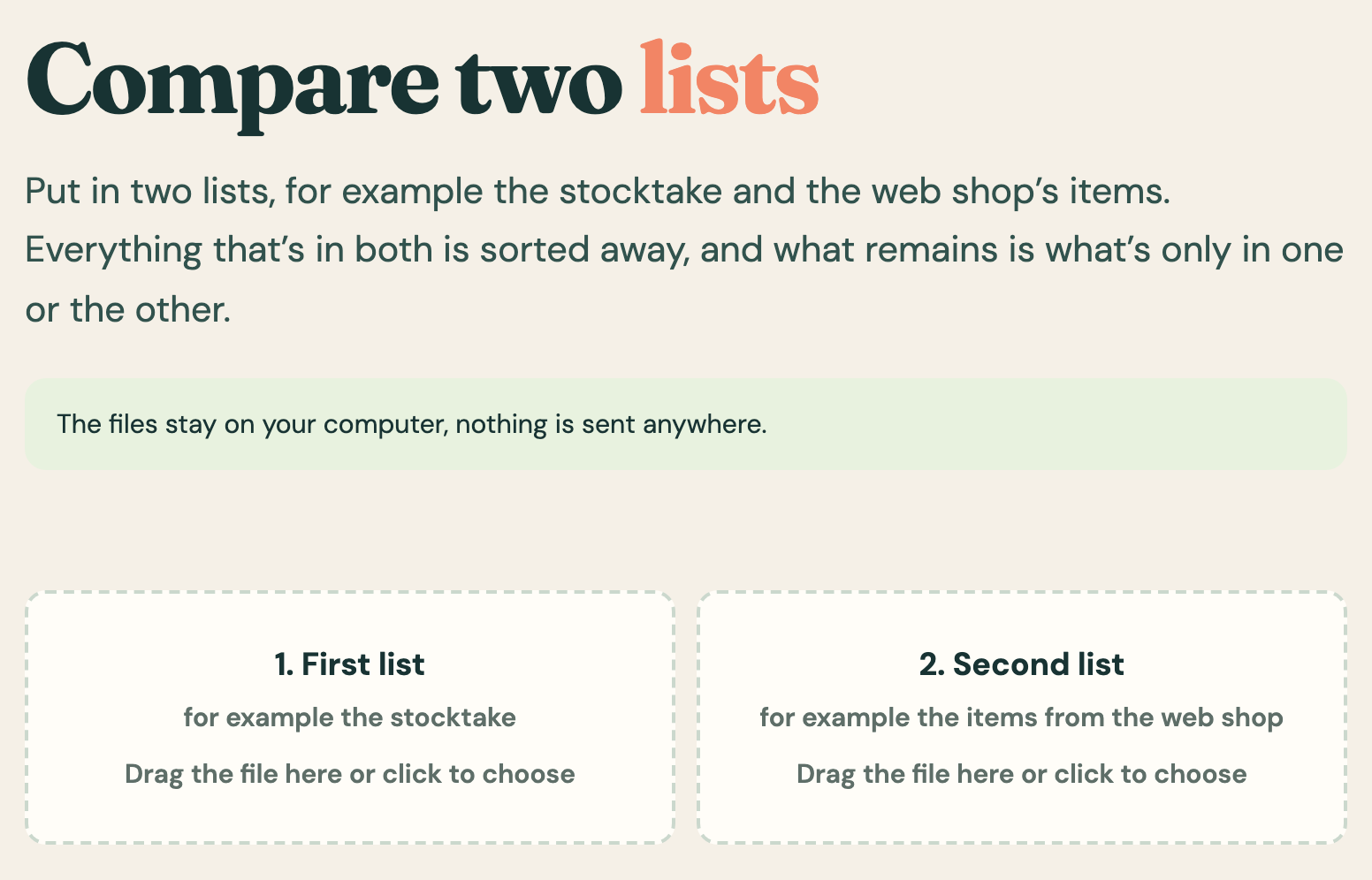
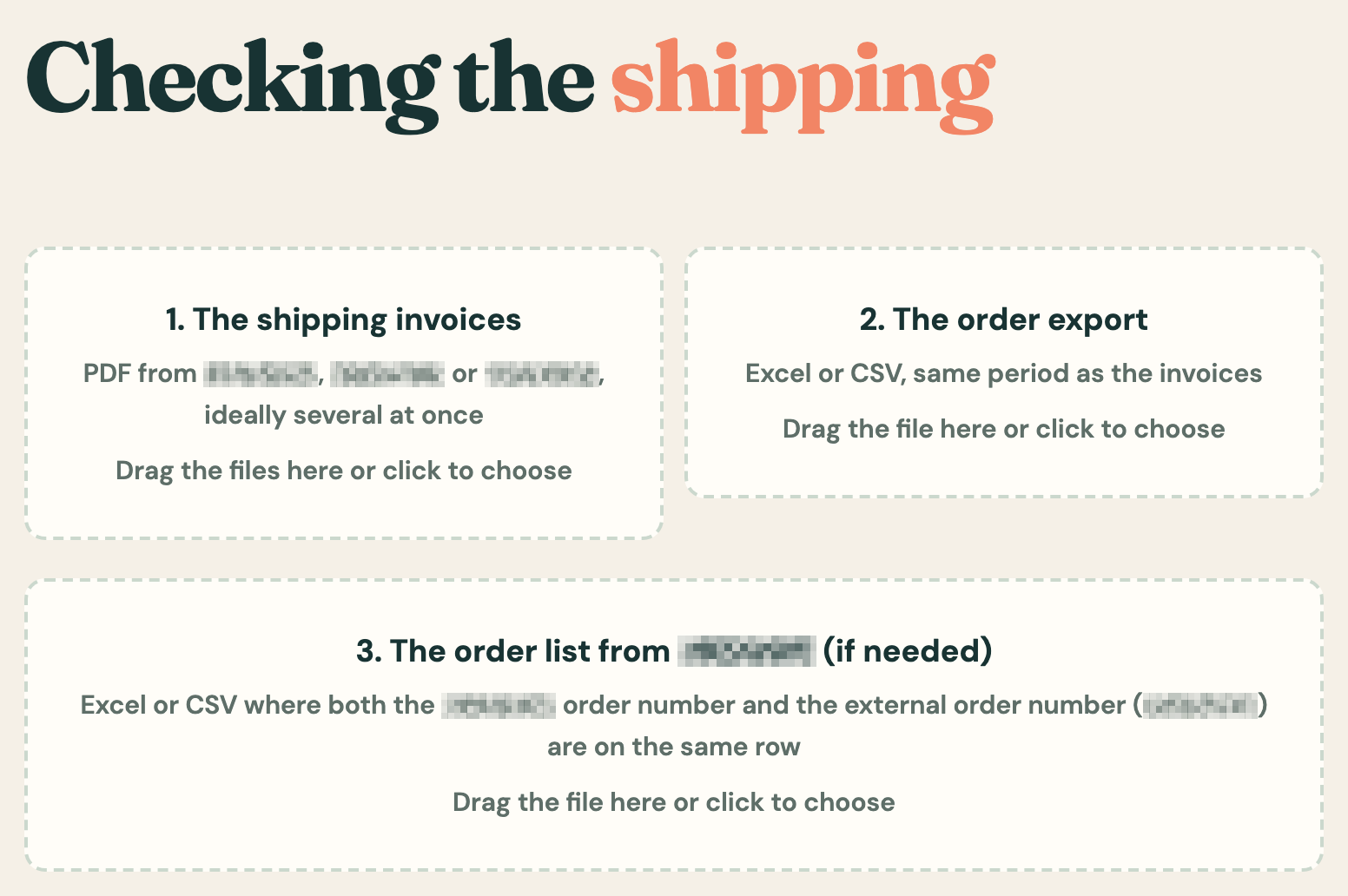
Tools made around how the staff really work. The toolbox has four so far: comparing two lists, checking shipping costs against the orders, giving every item in stock a barcode, and a green or red signal for each item scanned when packing.